

Need advice?
Our specialists are at your service. Call us, have us call you, or send a message.
ContactExtra information
MidWay Vertical Mouse
Compact mobile mouse with a subtle ergonomic angle and silent click
From
0.00 €
59.99 €
incl. VAT
59.99 €
excl. VAT
59.99 €
Need advice?
Our specialists are at your service. Call us, have us call you, or send a message.
ContactExtra information
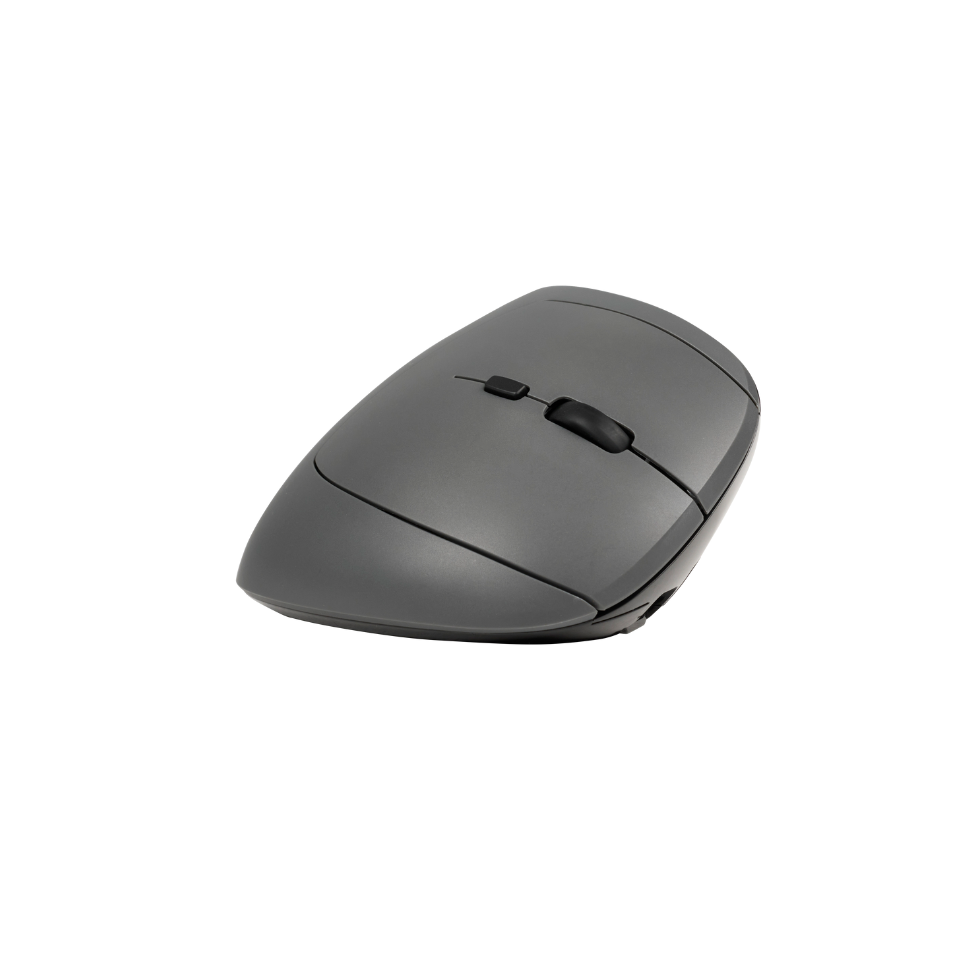
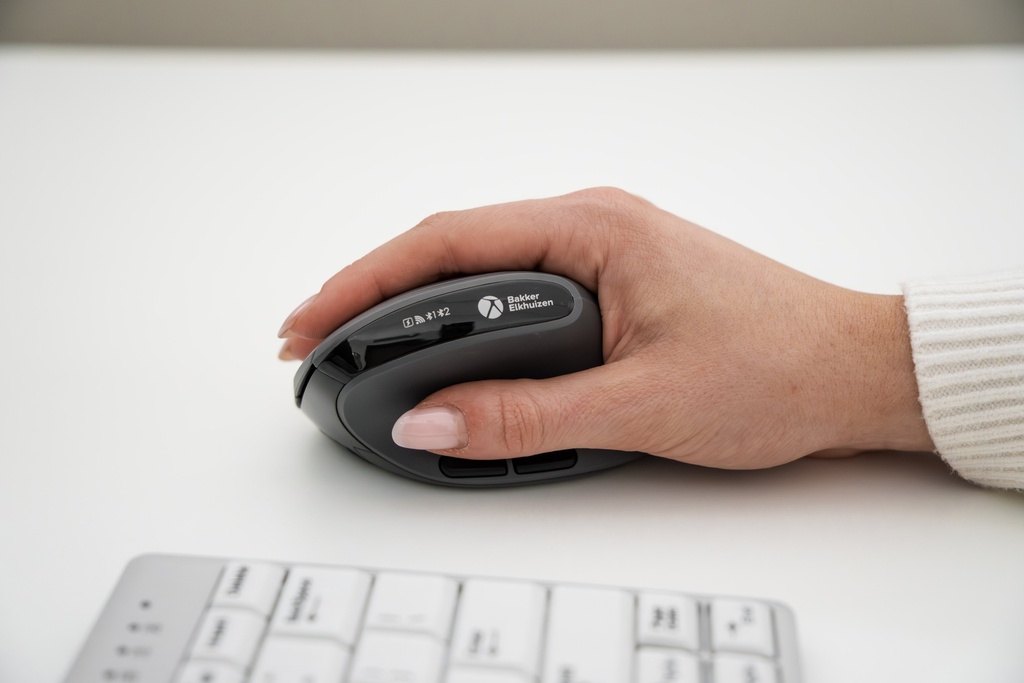
MidWay – compact mouse with relaxed, gentle angle
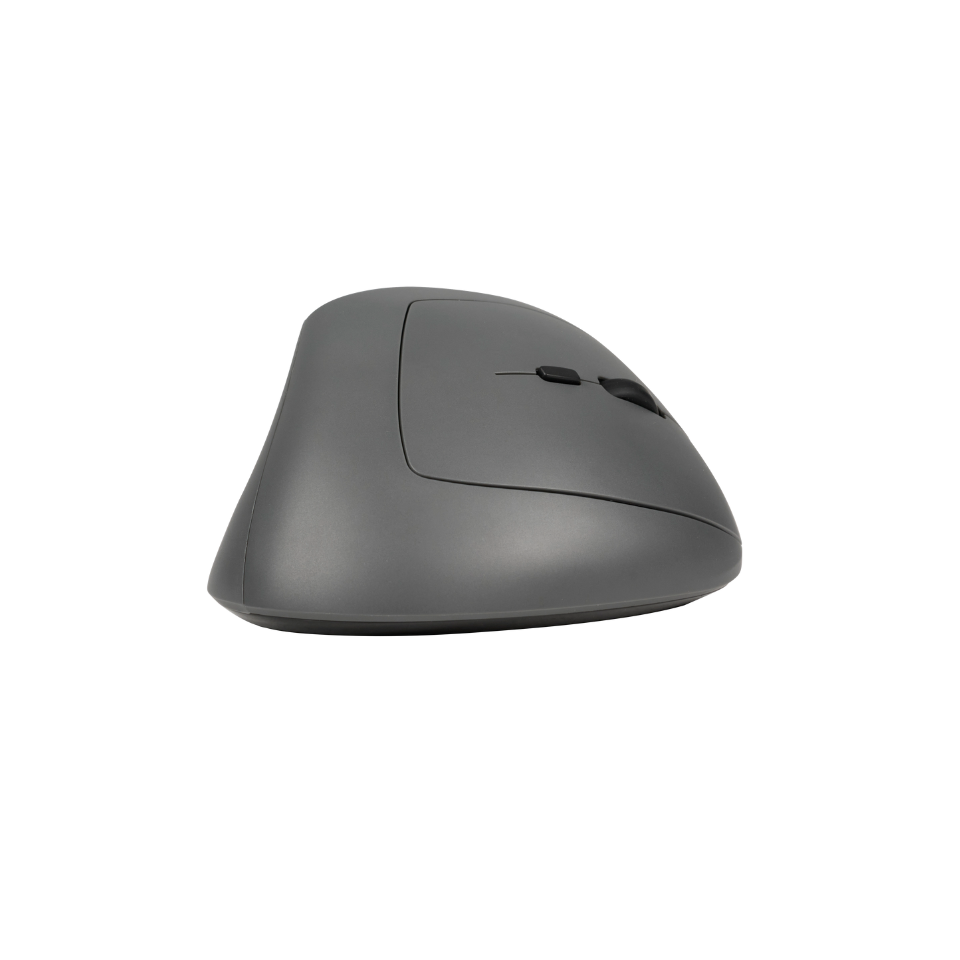
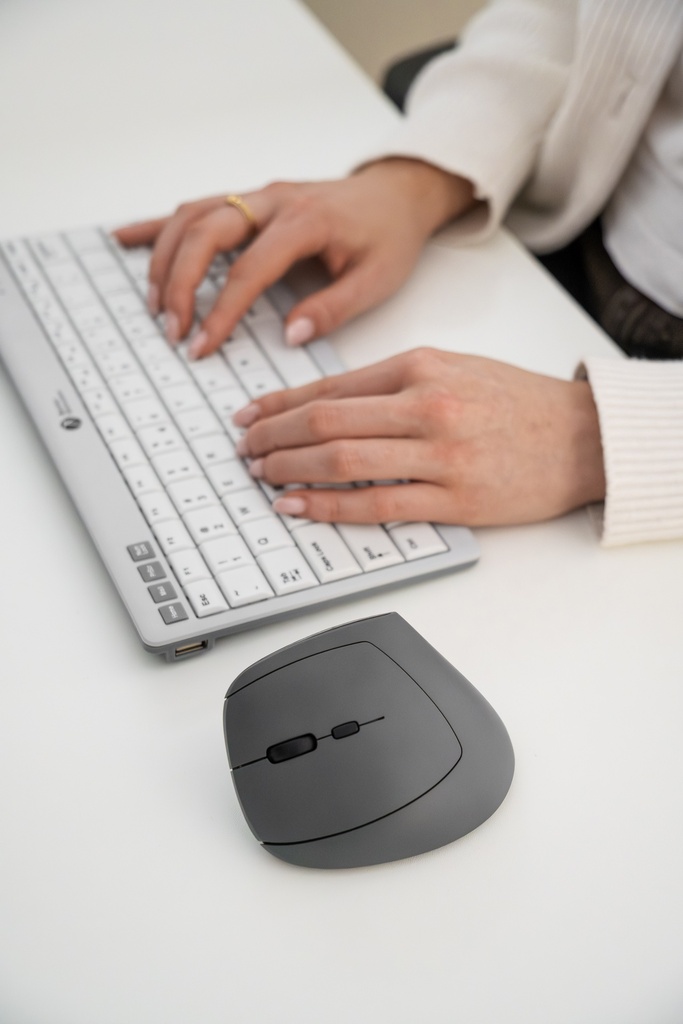
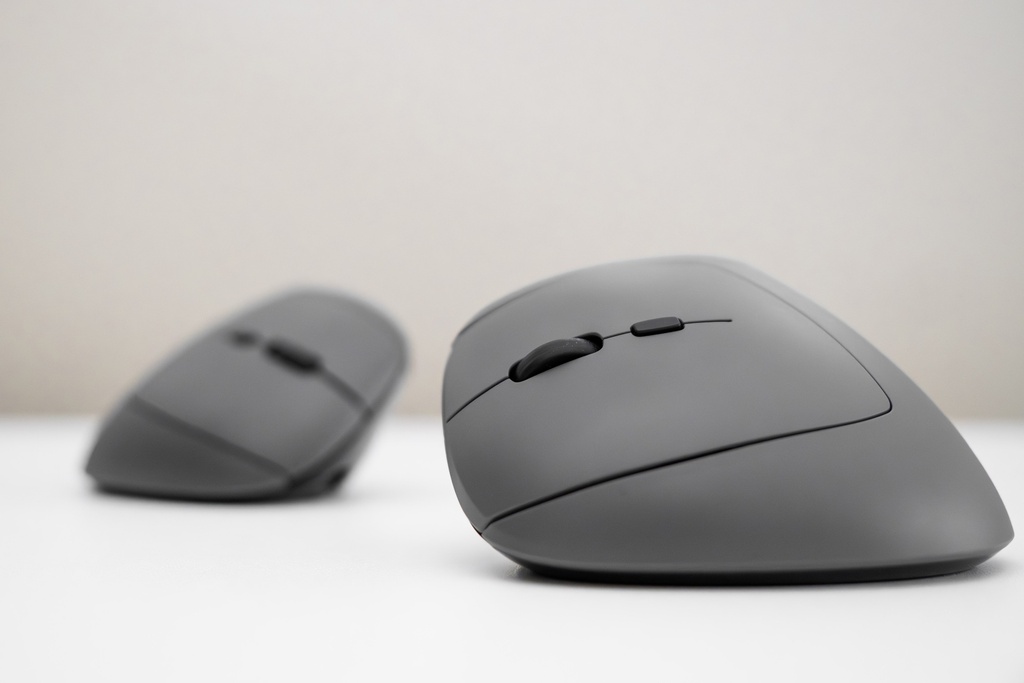
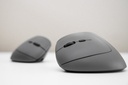
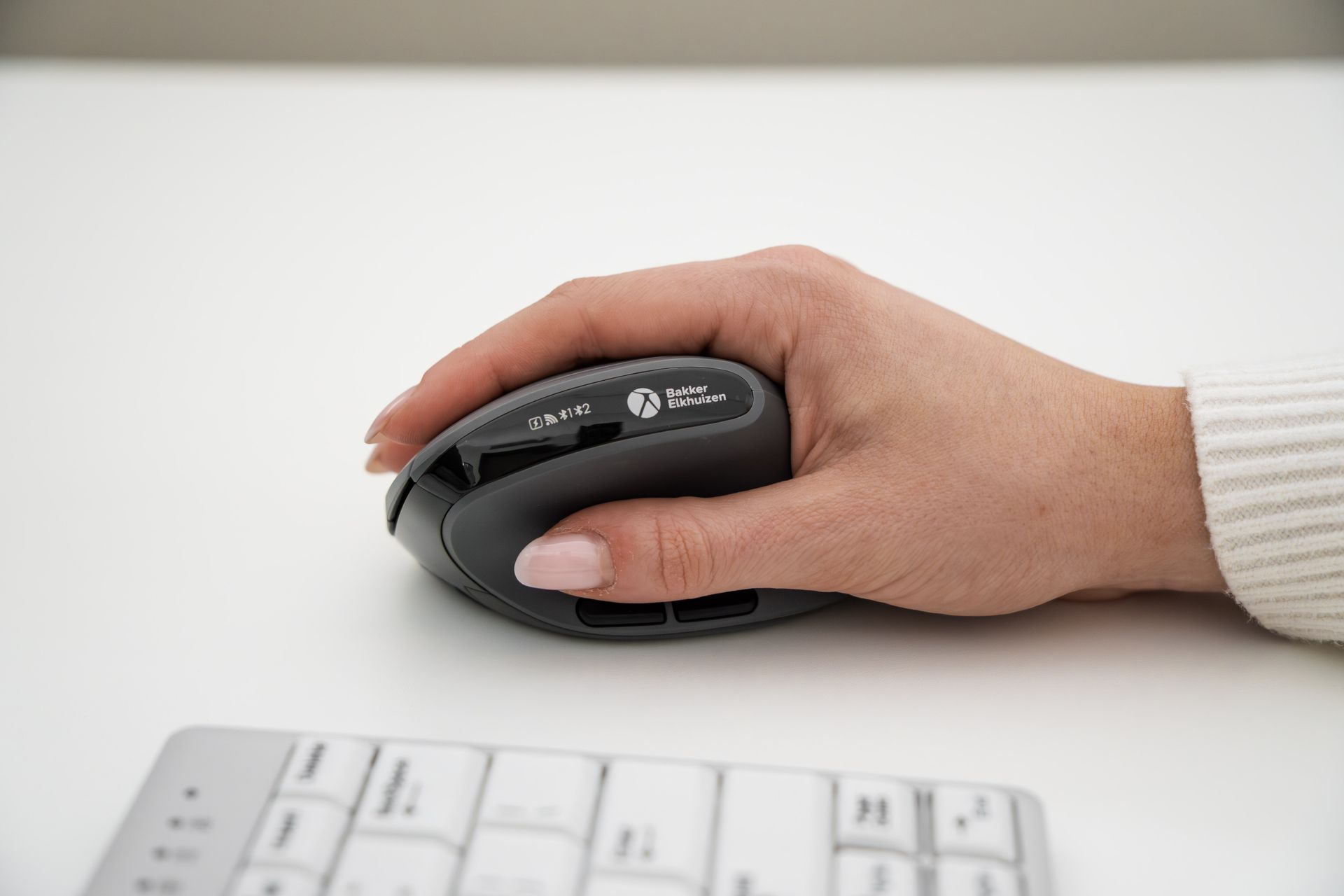
The MidWay is a small, mobile mouse with a subtle ergonomic angle. Your hand rests more naturally than with a flat mouse, while the controls remain familiar. Many people find this can help them work more comfortably, especially during long workdays. You connect quickly via bluetooth, dongle or cable and switch easily between devices.
- Gently tilted shape: familiar to use, often more comfortable to feel
- Silent click for quiet work in (open) office or at home
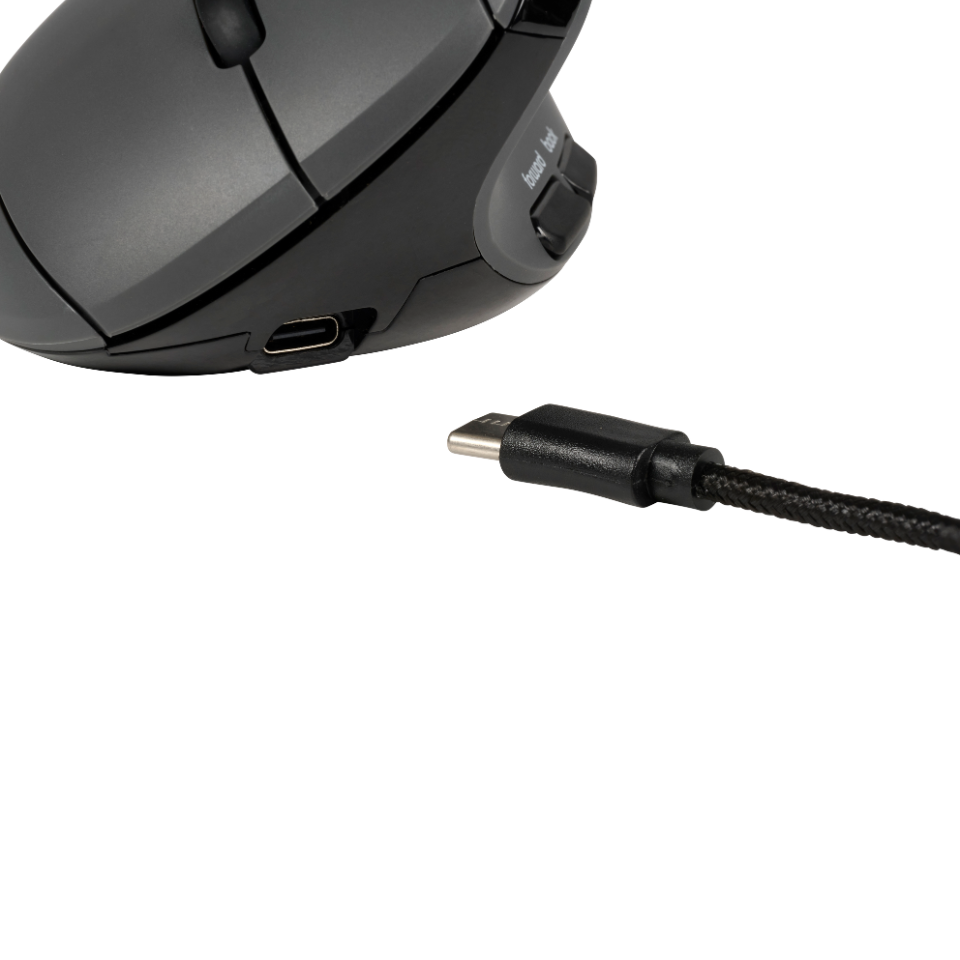
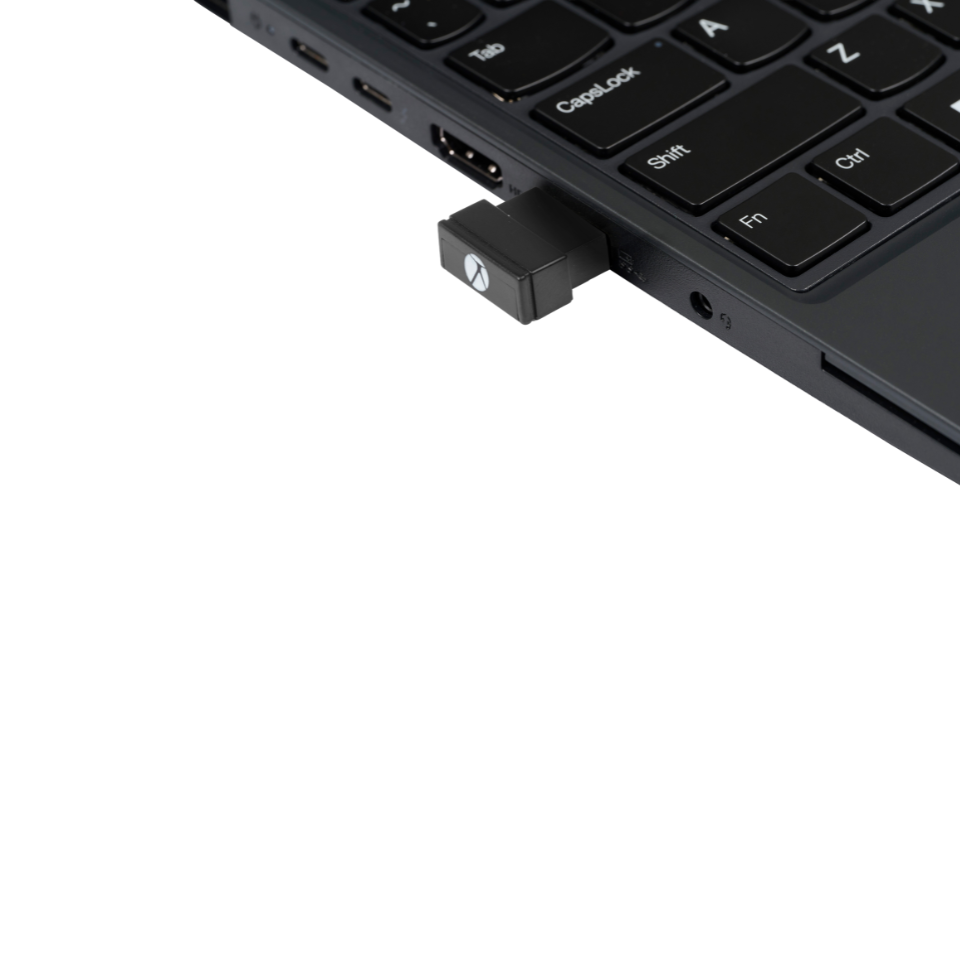
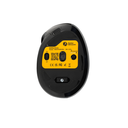
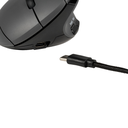
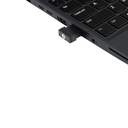
- 3 connection options: bluetooth, 2.4G dongle or wired via USB‑C
- Switch between 2 paired devices without hassle
- 4 dpi settings (800–2400) for precise or faster work
Why choose MidWay?
Not everyone wants to switch straight to a fully vertical mouse. MidWay sits in between. It gives a subtle angle that supports a more neutral hand position, while still feeling familiar in use.
- Silent click for focus without distracting noise
- Compact and light (89 g): perfect for flexible work and travel
- 3‑mode: bluetooth, 2.4G dongle or wired via USB‑C
- Quick switch between 2 paired devices
- 4 dpi settings for your pace and precision
Tip: check your working posture too. A good mouse helps, but your setup makes a difference.
Who is this ideal for?
MidWay is designed for those who want more ergonomic work without a major change. Many find a gentle angle pleasant if they’re used to a traditional mouse.
- Home workers and office staff
- Hybrid workers who move between locations
- Students and teachers
- Admin, customer support and accounting
- Anyone who wants quiet work (meeting room, open office)
Do you work often on both laptop and desktop? Then the easy switching between devices is a big plus.
Key benefits and support
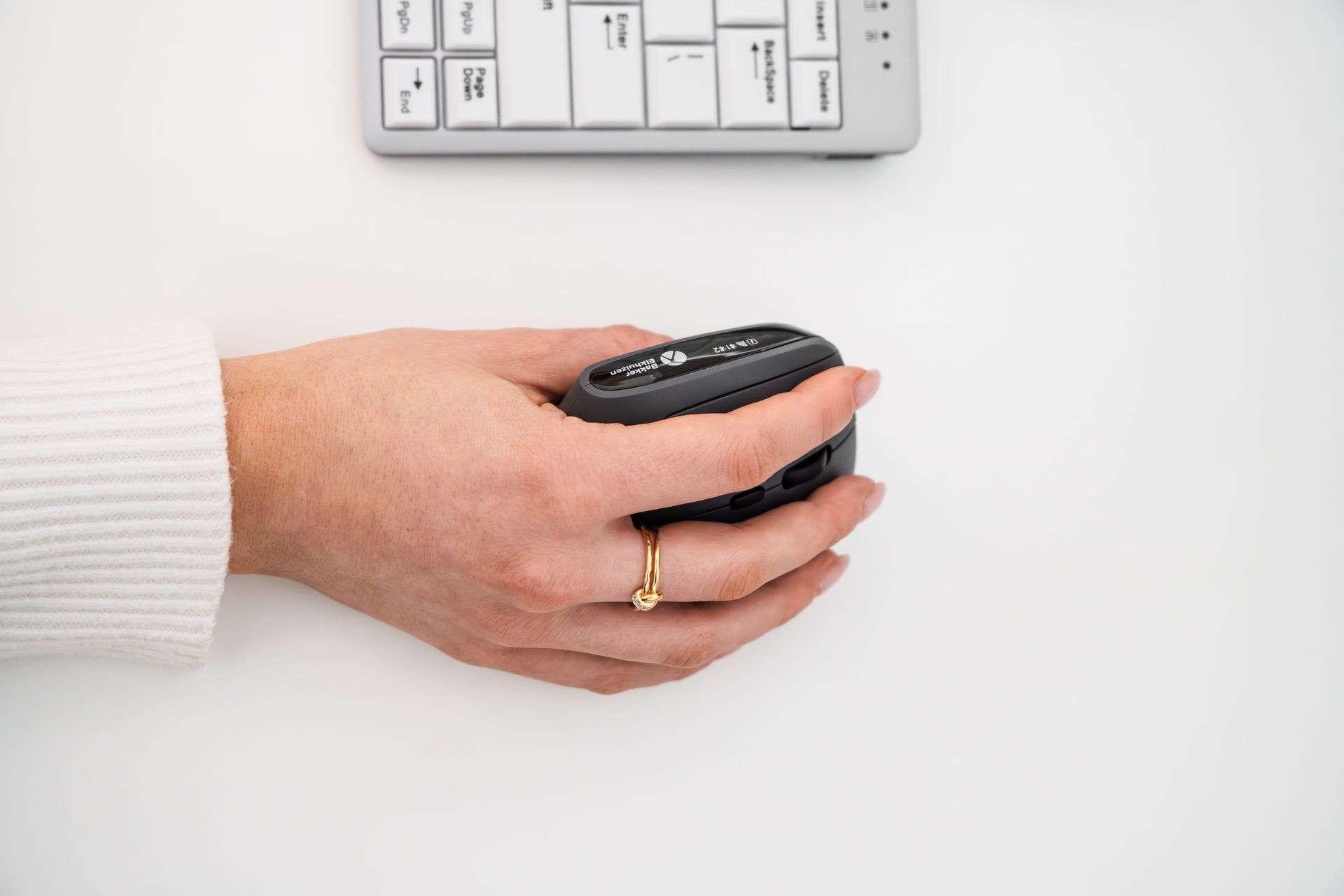
The gently tilted shape supports a more neutral wrist and forearm position. Many people feel more relaxed when using the mouse. It still feels intuitive because the angle isn’t extremely vertical.
- Subtle ergonomic angle: familiar, but can help you work less “flat”
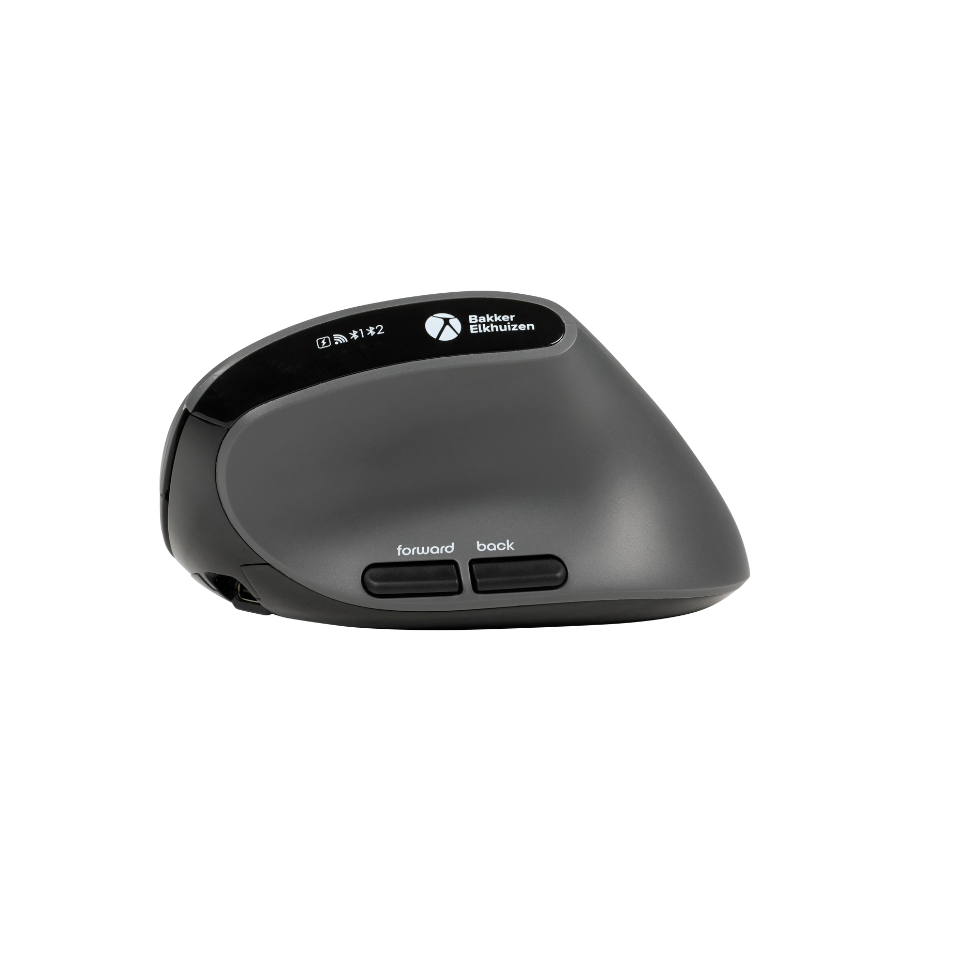
- Thumb buttons (forward/back): navigate without losing grip
- Adjustable dpi: work precisely or scroll and navigate faster
- Plug & play: no drivers needed
- Rechargeable and usable while charging
Good to know: the effect varies per person. Give yourself a short adaptation period.
User guide and setup
MidWay is ready to use right away. Choose one of the three ways to connect.
- Via 2.4G dongle: insert dongle, power on, ready.
- Via bluetooth: enable bluetooth, pick a channel, pair with your device.
- Wired: plug in via USB‑C and you’re set to go.
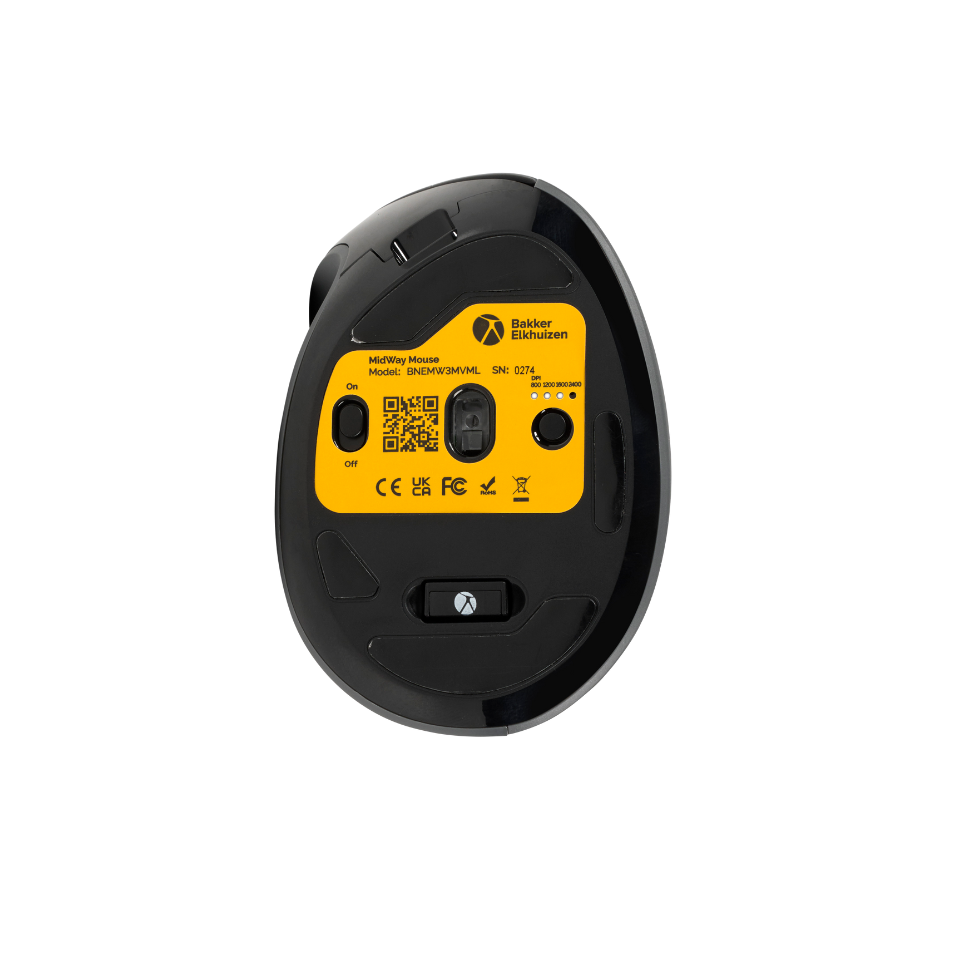
Adjust dpi: switch between 800, 1200, 1600 and 2400 dpi. Handy if using multiple screens.
Comfort tip: keep your wrist as straight as possible and let your arm move with you.
Product specifications
| Item code | BNEMW3MVMR (right‑handed) BNEMW3MVML (left‑handed) |
| Barcode / EAN | 8719274677932 (right‑handed) 8719274677949 (left‑handed) |
| Warranty | 5 years (after registration) |
| Dimensions (l × w × h) | 103 × 72 × 60 mm |
| Weight | 89 g |
| Color | Dark gray, black |
| Connectivity | 3‑mode: bluetooth, 2.4G dongle, wired (USB‑C) |
| Wireless range | Up to 10 m |
| Bluetooth | 5.2 |
| Dpi | 800 / 1200 / 1600 / 2400 |
| Number of buttons | 7 (incl. forward/back) |
| Sensor | Optical |
| Rechargeable | Yes, usable while charging |
| Package contents | Mouse, dongle, charging cable, manual |
| Compatibility | Windows, macOS, iOS, Android (PC, Mac, tablet, phone) |
Warranty and service
You get warranty according to the stated period. For MidWay, that’s 5 years after registration.
- Quick help with pairing, dpi or usage questions
- Service‑oriented advice if you’re unsure whether this model suits you
Need service? Send us your question and include your serial number.
Spare parts
Lost a dongle or cable? It happens. Contact us and we’ll see what’s available.
Request spare parts and include the serial number of your mouse.
Frequently asked questions
Is MidWay fully vertical?
No. It’s a subtly tilted mouse. Many people find this a nice middle ground between flat and fully vertical.
Does the mouse work without software?
Yes. MidWay is plug & play. You don’t need drivers.
How many devices can I pair?
You can pair with 2 devices. You switch easily between connections.
Can I switch between bluetooth and dongle?
Yes. Choose the connection you need: bluetooth, 2.4G via dongle or wired.
Is MidWay quiet during use?
Yes, the buttons have silent click. That’s nice in quiet spaces or when focusing.
What are the dpi settings?
You choose from 800, 1200, 1600 and 2400 dpi. This lets you adjust speed and precision to your work.
Can I use it while it’s charging?
Yes. You can keep using MidWay while it’s charging.
Is this version suitable for left‑handed users?
You can order the mouse for both right‑ and left‑handed users.
| Connection type: 3-in-1 connection |
| Brand: BakkerElkhuizen |
| Hand size: Medium |
| Compatibility: Windows, macOS, iOS/Android |
| Silent Clicks: Yes |
| Number of buttons: 7 |
| Tilt angle: 45° |
| Warranty: 5 years (after registration) |
Gerelateerde producten
What customers say about Ergonomio
Read why customers choose Ergonomio. Rated 4.9/5
Why buy from Ergonomio

Lowest price guarantee
You're guaranteed the best price all year round. Found the same model cheaper elsewhere? We’ll match the price.

Personal advice and support
Get assistance from our experts—for one product or your entire team.

Complete office furnishings
We help you set up your workspace or office—from planning to delivery.